Loading
Teleprompter app for iPhone and iPad
The teleprompter that floats over your camera.
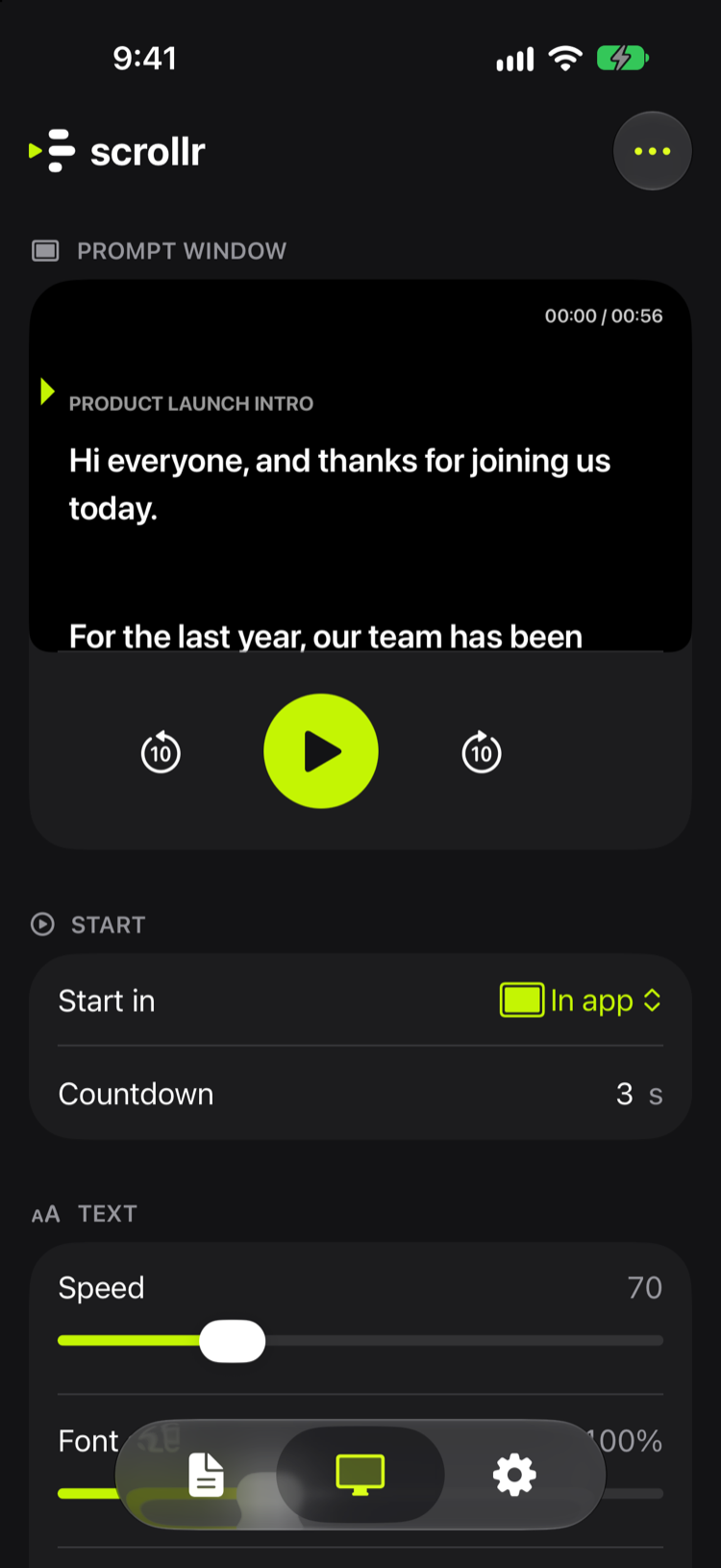
Write your script, press play, and open the camera app you already use. scrollr keeps your lines on top, scrolling at a steady pace, with a reading cue that keeps your place. Made for vlogs, short videos, and presentations.
Coming soon on the App StoreSee how it works
Floating window
Floats over any camera app
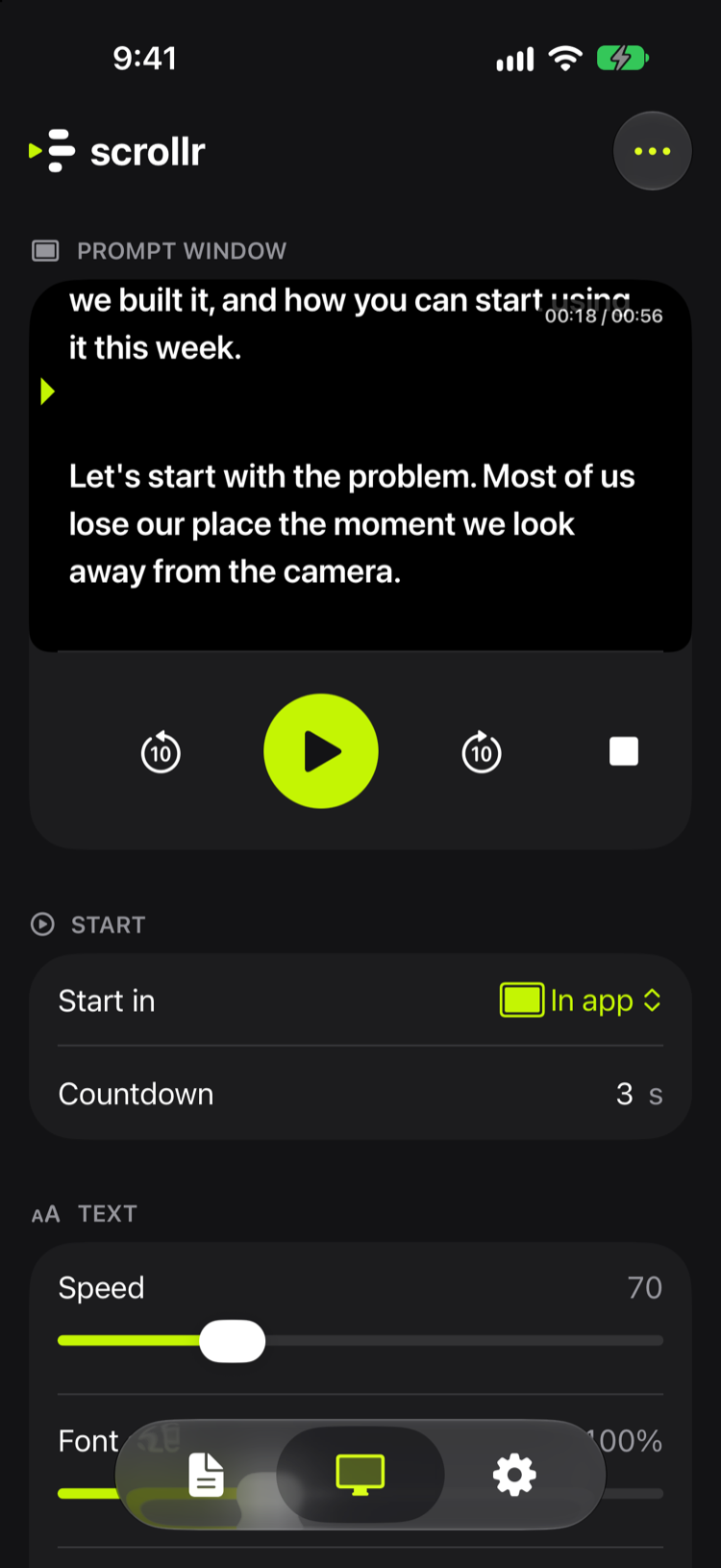
Start in the floating window, then open the Camera, TikTok, or Instagram. Your script stays on top while you record. Make the window bigger to play and smaller to pause.
Paused
Dynamic Island and Lock Screen
Control it without switching apps
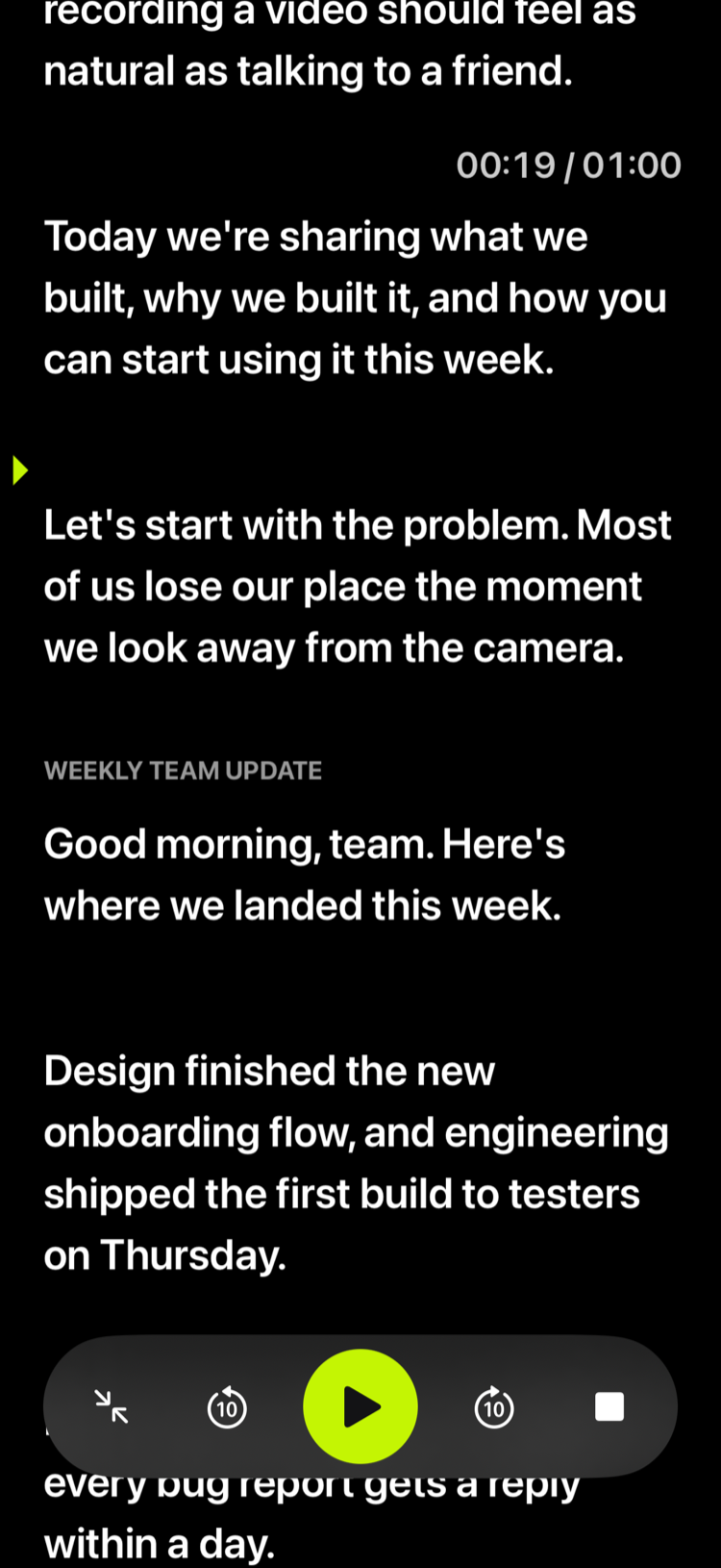
Play, pause, skip 10 seconds, or stop from the Dynamic Island and the Lock Screen, and open fullscreen with one tap. The title of the script you're reading is always there.
Live link
Put your script on a bigger screen
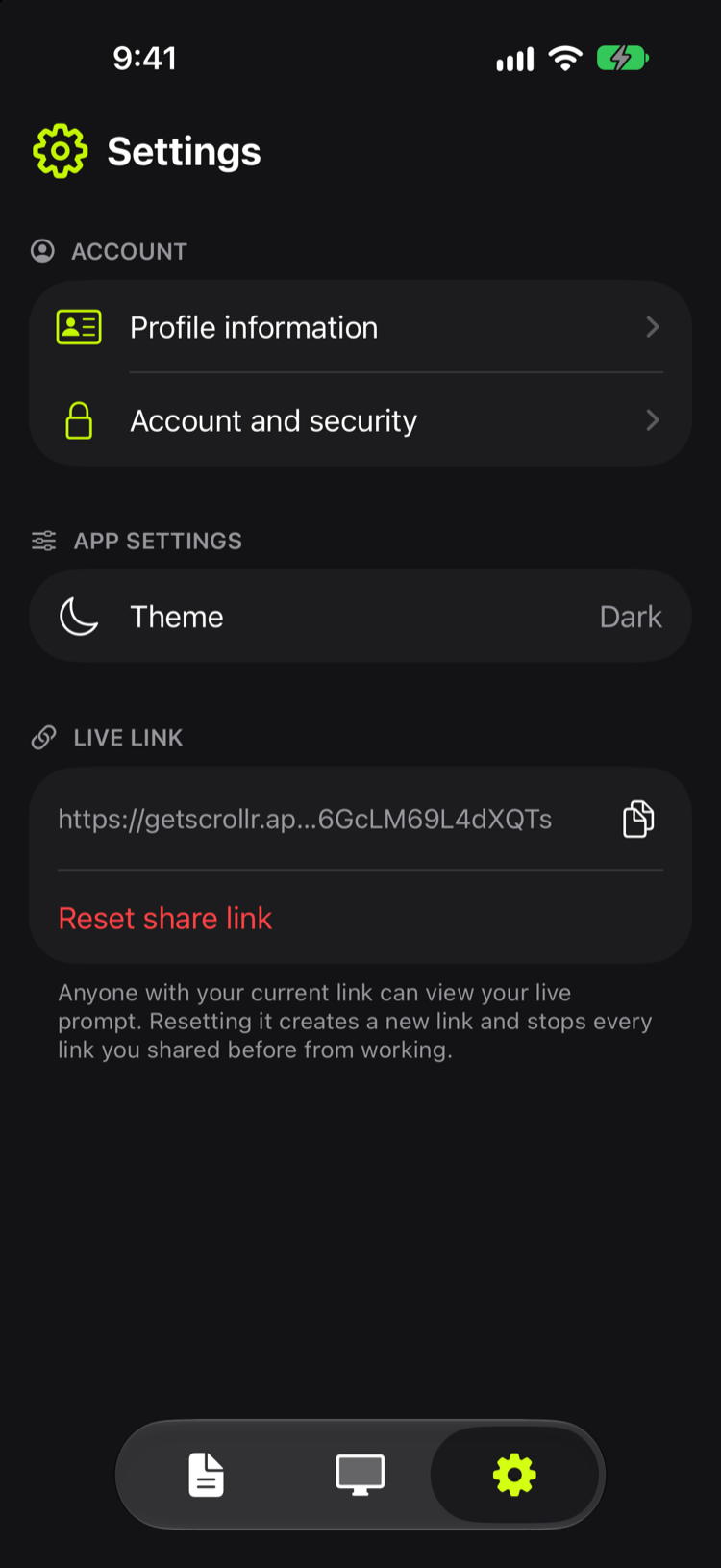
Share a link, and anyone can follow your prompt in a browser, in sync with your phone: on a laptop, a monitor by the camera, or a screen in front of the stage. It's view-only, and nobody needs to sign in.
Everything a prompt needs
Simple on purpose: the few settings that matter, in one place.
Scripts
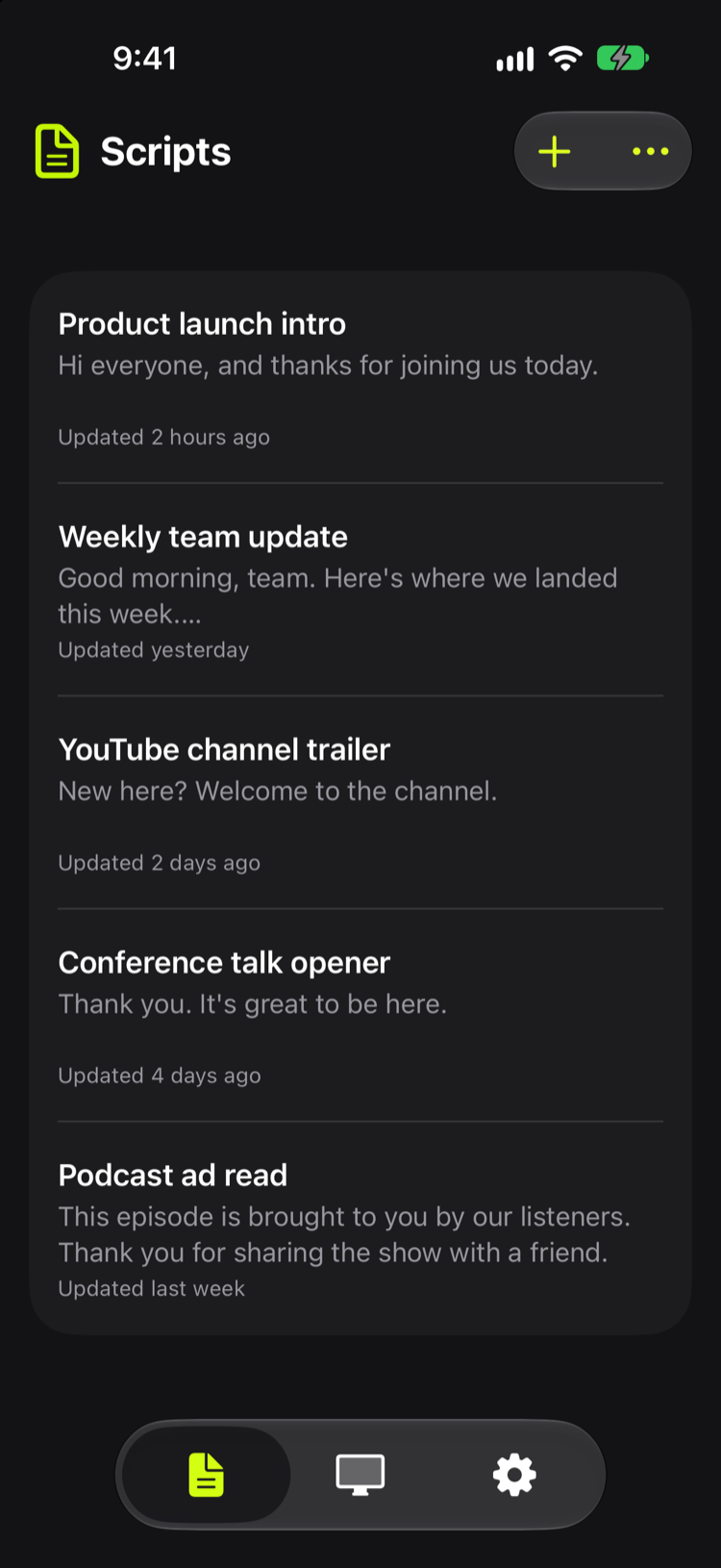
Write and edit scripts on your phone; they sync to your account.
Works offline
Scripts stay on your device, so you can prompt without a connection.
Script queue
Line up several scripts and read them back to back.
Steady pace
Set the speed once; the prompt scrolls at the same pace every time.
Fullscreen
Fill the screen and drag to scroll whenever you need to.
Countdown and timer
A countdown before you start, and reading time as you go.
Your look
Choose text size, text and background colors, and the timer style.
Three shapes
Wide, square, or tall prompt windows for any setup.
A teleprompter for every take
Filming a vlog, a 30-second short, or giving a talk, your script stays where you look.
See it on the iPhone
Frequently asked questions
How the floating teleprompter works, and what it does with your scripts.
What is scrollr?
scrollr is a teleprompter app for iPhone and iPad. You write your scripts, then read them in a prompt window that scrolls at a steady pace, with a reading cue that keeps your place. The window can float over other apps, so you can read while you record with the camera app you already use.
Does scrollr work with the Camera app, TikTok, and Instagram?
Yes. Start the prompt in the floating window, then open the Camera app or the camera in TikTok or Instagram. Your script stays on top and keeps scrolling while you record.
Does scrollr record video or add a watermark?
No. scrollr never records. You film with whichever camera app you like, and the script on your screen isn't part of the video, so nothing is added to it.
How do I pause and play while I'm recording?
Double-tap the floating window: when it's large the script plays, and when it's small it pauses. Play, pause, and 10-second skips are also on the Lock Screen, and in the Dynamic Island when the floating window is closed.
Can I use scrollr for presentations and speeches?
Yes. Read in fullscreen on an iPad or iPhone, or share your live link to show the scrolling script on a laptop or a monitor, in sync with your phone. A colleague can run playback while you read.
Does scrollr work on iPad and offline?
It works on iPhone and iPad with iOS or iPadOS 17 or later. Scripts are saved on your device after they sync, so you can prompt without a connection.
Who can see my scripts?
Only you. Scripts are private to your account, and scrollr has no ads or tracking. If you share your live link, people who open it can watch the prompt while it's open, and resetting the link in Settings stops every old link.
Your script, right where you look.
Coming soon on the App Store